What Photo Lighting Works Best for AI Video Generation?
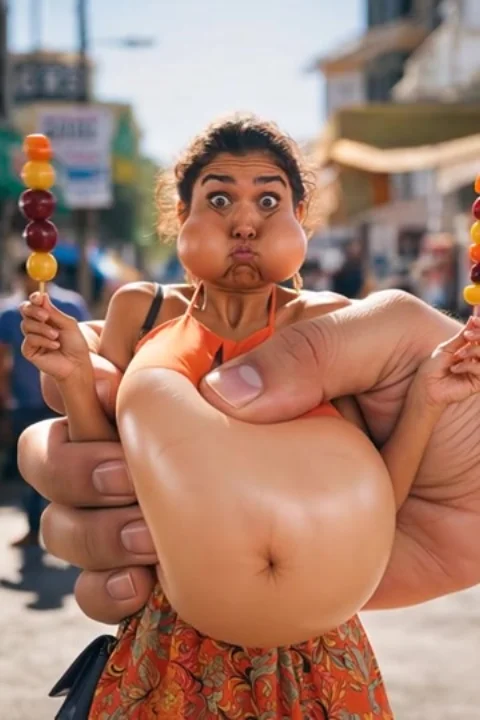
Lighting in the source photo doesn't just affect how the still frame looks — it directly affects how convincingly the AI can render consistent shadows and highlights as motion is added.
Even, diffused light works best
Soft, even lighting (daylight near a window, overcast outdoor light) gives the model a clear, evenly lit subject to build motion around, with fewer harsh shadows that need to be tracked and preserved.
Avoid extreme backlighting
A subject lit strongly from behind, with their face in shadow, gives the model much less visible facial detail to work with — which can affect how well identity and expression carry through the generated motion.
Flash photos can work, but less reliably
Very harsh direct flash can create strong highlight blowout that sometimes confuses fine facial detail — a normally lit photo is generally a safer starting point than an extreme flash shot.
Does the app need a specific photo format?
Standard photo formats from any modern phone camera (typically JPEG or HEIC) work fine — no special format or settings are needed.